Where your data lives
Audience: desktop and browser users · ~5 min read · Prerequisites: Install and first launch
What it is
struktJS keeps your work and its own settings in a few well-defined places on disk. Your projects are ordinary folders that you choose. Everything else is application data in your home directory and, for the desktop app, in Electron's own data folder. Knowing these places lets you back up, move or reset things without guessing.
When you'd use it
Use this page to back up your work, to reset the app to a clean state, to find a log file, or to understand why a setting did not carry over from the browser IDE to the desktop app (they do not share browser storage).
The places
| What | Where | Notes |
|---|---|---|
| Your projects and models | The folder you picked in New Project… or Open Project… | project.json, a model folder per model with model.json and .model.py / .model.js files, and a .git folder. Back up this folder. |
| Samples | Opened in place (the app's own sample files); ~/struktjs-samples/<name>/ when those cannot be written |
A sample is an ordinary project folder, see Samples. |
| Language files | ~/.struktjs/languages/ |
Installed and user-made languages (.lang.js). |
| Dynamic plugins | ~/.struktjs/dev-plugins/ and ~/.struktjs/plugin-folders.json |
Plugin folders must live under ~/.struktjs (or folders listed in STRUKTJS_PLUGIN_FOLDER_ROOTS). |
| Extension allow-list | ~/.struktjs/extension-allowlist.json |
Which Extensions-view publishers may install. See Security and privacy. |
| Theia settings and state | ~/.theia/ |
settings.json (Theia and struktJS settings), recentworkspace.json, logs/, plugin-storage/, workspace-storage/, globalStorage/, chatSessions/, toolbar.json. |
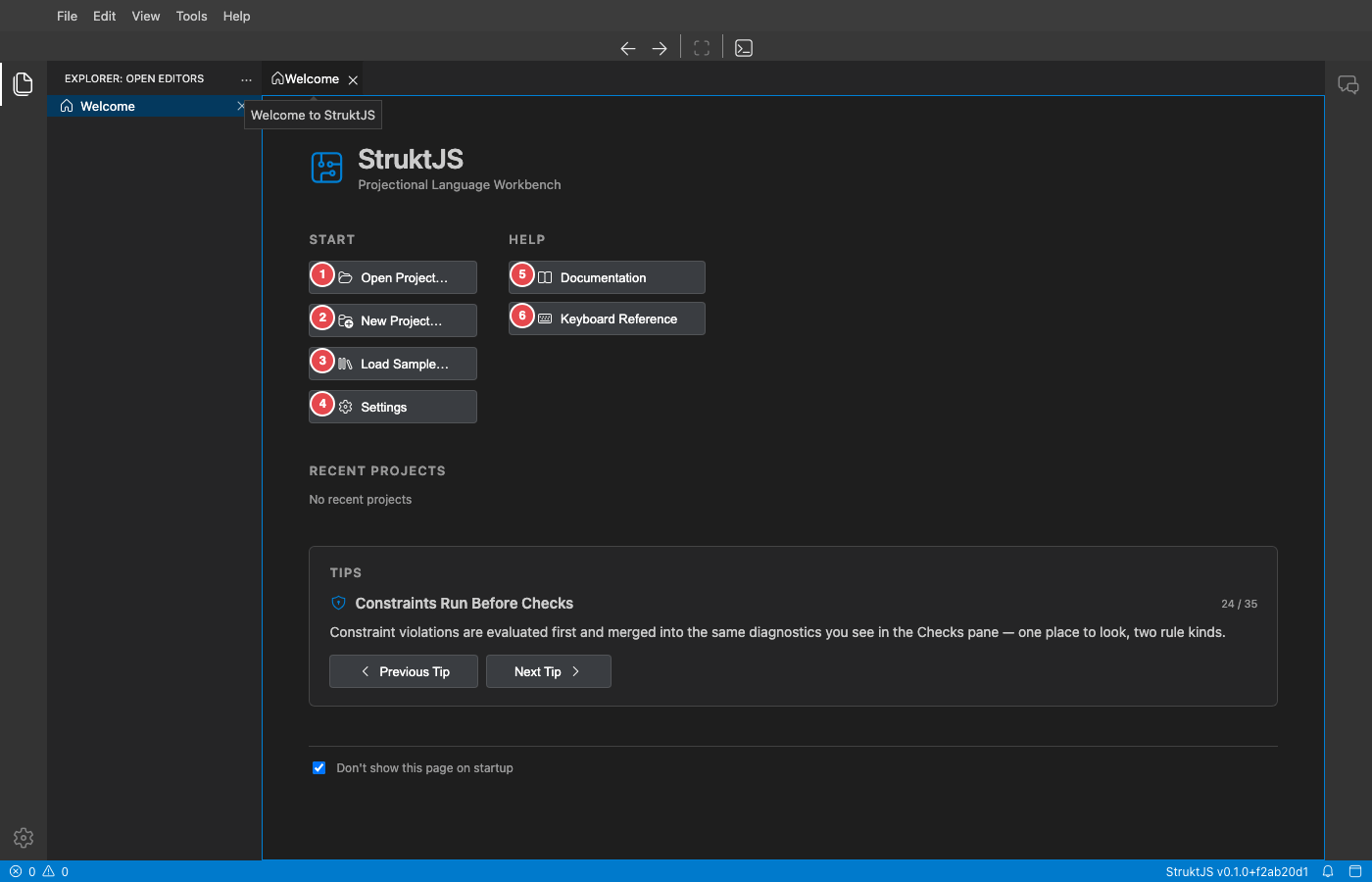
| struktJS preferences, trust decisions, Welcome-tab choice, last sample | Browser storage (localStorage) |
See below: location depends on browser or desktop. |
~ is your home folder: /Users/you on macOS, /home/you on Linux, C:\Users\you on Windows. Set the
environment variable THEIA_CONFIG_DIR before starting the app to move the ~/.theia folder elsewhere.
Browser storage
struktJS's own preferences (stored under the key struktjs.preferences), your "trusted code" answers and the
"Don't show this page on startup" choice live in the browser's local storage, not in files you can edit.
- Browser IDE: per browser profile and per address.
http://localhost:3000andhttp://localhost:3001are different places, so changing the port looks like a reset. Clearing site data for that address resets them. - Desktop app: inside Electron's data folder (next):
| OS | Electron data folder |
|---|---|
| macOS | ~/Library/Application Support/struktJS (checked on a real install of the first desktop build, which still spelled the folder StruktJS; it contains Local Storage, Cookies, config.json) |
| Windows | %APPDATA%\struktJS (Electron's standard location; not checked on a real install) |
| Linux | ~/.config/struktJS (Electron's standard location; not checked on a real install) |
Because the browser IDE and the desktop app use different browser storage, preferences set in one are not
visible in the other. Settings that Theia stores in ~/.theia/settings.json are shared, because both use the
same home folder.
Where nothing is stored
There is no cloud account and no sync. Programs are never uploaded. Anything sent over the network happens only when you use a feature that says so (see Security and privacy).
How to reset
- Quit the app.
- To reset only the preferences, delete the Electron data folder above (desktop) or clear site data for the address (browser).
- To also reset samples and installed languages, delete
~/.struktjs. Your projects are not inside it. - To reset Theia settings, delete
~/.theia.
Warning
In a source checkout, npm run clean deletes ~/.struktjs and theia-app/data. It never touches your
project folders, but any edited sample copies and user-made languages in ~/.struktjs are lost.
Every control
This page has no buttons. These are the app commands that touch the places above.
| # | Button/Option | What it does | Shortcut | Gotcha |
|---|---|---|---|---|
| 1 | File > Preferences > Settings | Theia's JSON/UI settings, stored in ~/.theia/settings.json. |
Ctrl+, (Cmd+, on macOS) | Separate from struktJS's own preferences. |
| 2 | struktJS Settings… (command palette) | Opens Theia's settings editor searched for the struktJS settings; they are stored in settings.json like any other. |
none | See Preferences. Shortcuts you change are in ~/.theia/keymaps.json. |
| 3 | Open Recent Project… | Reopens a recent project. | Ctrl/⌘+K, F, R | The recent list is also in browser storage. |
| 4 | Close Project | Closes the current project; the files stay in its folder. | Ctrl/⌘+K, F, C |