Browser vs. desktop app
Audience: everyone choosing a form · ~5 min read · Prerequisites: Install and first launch
What it is
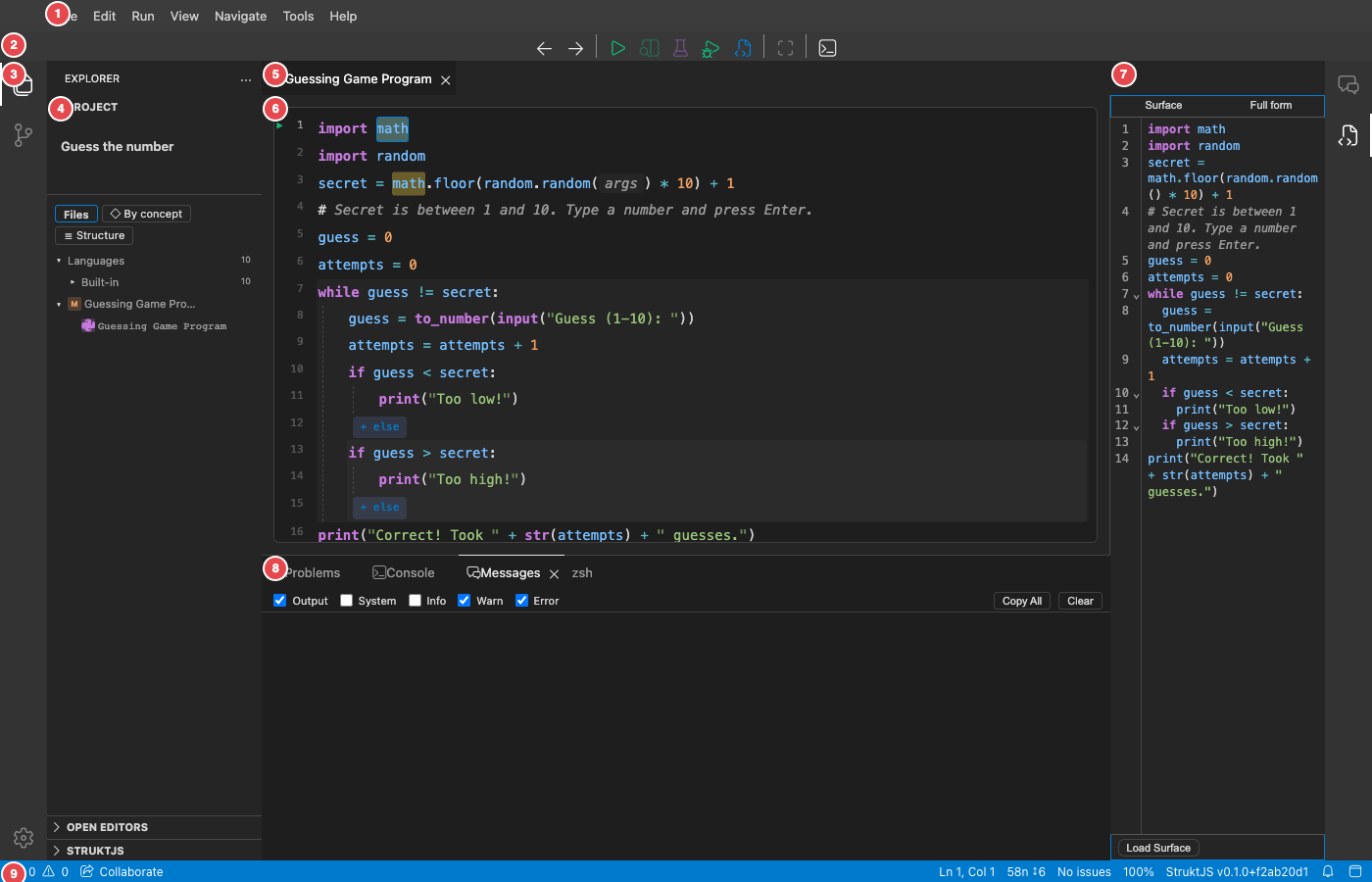
The browser IDE and the desktop app are the same IDE: one shared extension holds the editor, checker, languages and panes. They differ only in the shell around it. The browser IDE is an HTTP server on your machine plus a browser tab; the desktop app is a native Electron window that starts the same backend inside itself.
When you'd use it
Read this when deciding which form to install, or when a behavior you saw in one is missing in the other.
What is the same
The editor, Explorer, Source Control, checks, type system, debugger, generators, collaboration, AI chat, the bundled languages and samples, and all menus and shortcuts. Your files are real files on your disk in both.
What differs
| Topic | Browser IDE | Desktop app |
|---|---|---|
| How it starts | npm start serves the IDE on 127.0.0.1; you open the address in a browser. |
Double-click the app, or npm run start:electron from a checkout. |
| Install | Build from source. | Prebuilt installer, or build one yourself. |
| Menus | Menu bar inside the page. | The same menu bar; on macOS it is the native system menu bar. |
| Preferences and trust answers | Browser storage, per address and browser profile. | Browser storage inside Electron's data folder. See Where your data lives. |
| File > New Window | Opens a new browser window with an empty workbench (Welcome screen, no restored tabs). struktJS replaces Theia's default for this. | Theia's standard new-window behavior. |
| Reveal a file in the OS | Not available: Reveal in File Manager is hidden in the Project pane, and Reveal Active Model in File Manager copies the path to the clipboard instead. | Opens your file manager at the model file. |
| Open Output Location (Project pane) | Copies the output folder's path to the clipboard. | Opens it in your file manager. |
| Window title and About | About says it is the Theia browser IDE shell. | About says it is the Theia desktop shell (Electron). |
| Updates | You rebuild and reload. | Manual install of a new build; no auto-update. See Updating and uninstalling. |
| Signing | Not applicable. | Builds are unsigned and not notarized; your OS warns on first launch. |
| Security hardening | Localhost-only binding and request checks. | Same backend checks; also blocks in-app navigation and <webview> attachment. See Security and privacy. |
| Where Python and git come from | Your machine's PATH. |
Your machine's PATH. |
Note
Folder pickers (for example in New Project…) are Theia's own dialog in the browser IDE. The desktop app uses Theia's Electron integration; this page has not verified whether it shows your OS's native dialog.
Which should I pick?
- You want an application you can launch like any other: desktop app.
- You develop struktJS itself or want the fastest rebuild loop: browser IDE (see setup and workflow).
- You want to share a session with others: either; collaboration works the same. See Live Model Session.
Every control
Commands whose behavior depends on the form:
| # | Button/Option | What it does | Shortcut | Gotcha |
|---|---|---|---|---|
| 1 | File > New Window | Opens another IDE window. | Alt+Shift+N | Browser: starts empty. Desktop: Theia default. |
| 2 | Reveal Active Model in File Manager (command palette) | Desktop: shows the model file in your file manager. Browser: copies the absolute path. | none | Needs a project opened from a folder. |
| 3 | Reveal in File Manager (Project pane context menu) | Desktop only; hidden in the browser. | none | |
| 4 | Open Output Location (Project pane) | Opens the model's output folder (desktop) or copies its path (browser). | none | |
| 5 | Help > About | Describes the shell you are running. | none |